2026-07-30
How to Use the Hardware Demo Skin as a Storytelling Framework—Not a Copy-Paste Template
Why the Demo Skin Is a Starting Point, Not a Finished Product
The hardware demo skin from B2B Frontage is a clean, pre‑built factory showcase. It shows you how a thin English site can arrange a hero banner, a product grid, an “about us” narrative, and a contact form—all in a single‑page layout that loads fast and looks professional. But the sample text and placeholder images inside that demo are deliberate stand‑ins. They are not meant to appear on a real factory’s website. When you treat the demo as a copy‑and‑paste template, you discard the one thing overseas buyers actually look for: proof that your factory is real, specific, and worth contacting.
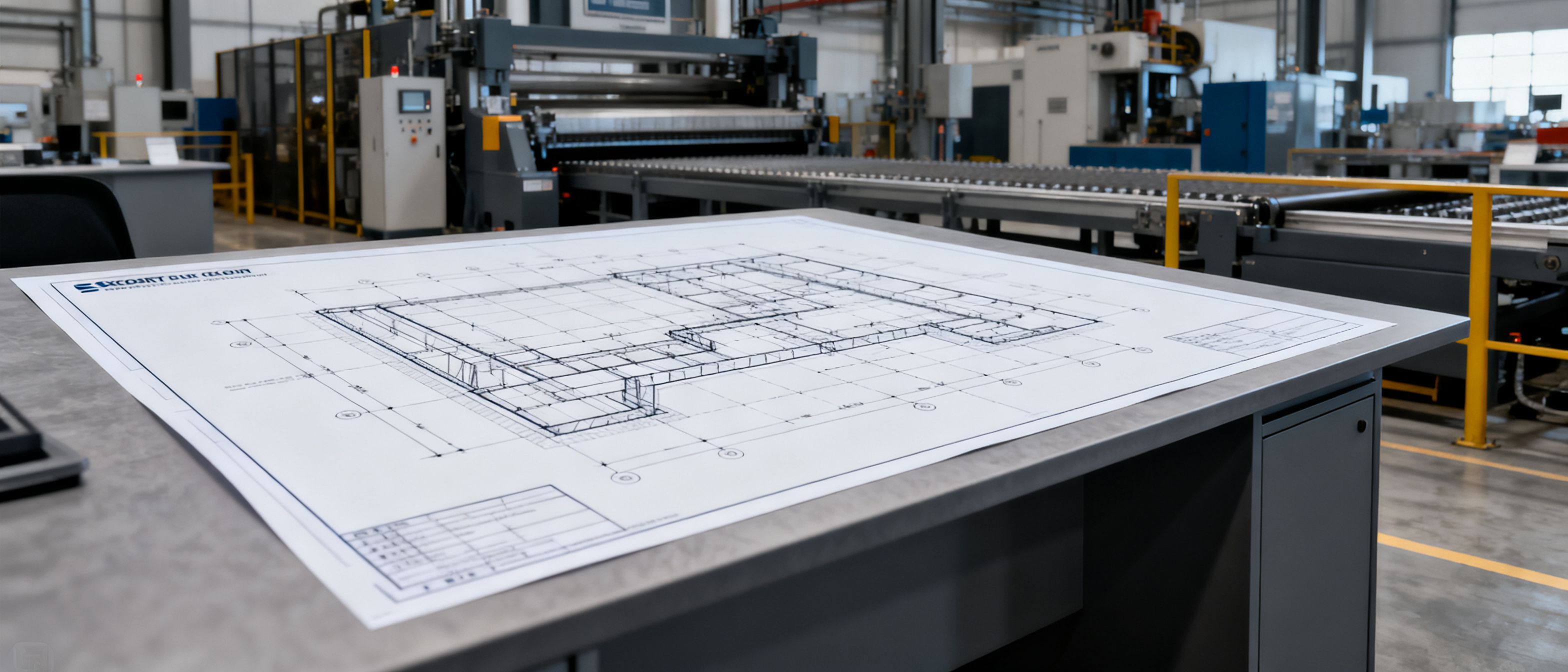
Think of the demo skin as a structural blueprint. The columns, sections, and navigation give you a skeleton. The factory’s job is to fill that skeleton with its own unique story, real production data, and original photography. This approach works for the Auto plan ($59/year, self‑serve) and also for larger custom factory sites (by quote), which may include advanced CMS features like product editing and blog posts. The blueprint doesn’t change; only the content you pour into it makes the site distinct. If you copy the demo’s wording, your site will look identical to every other factory that skipped this step—and buyers will scroll past it in seconds.
B2B Frontage deliberately ships the demo with clearly generic phrases like “precision manufacturing” and “quality you can trust” so you can see where the text goes. The framework expects you to replace those phrases with verifiable facts: your actual tolerances, your years in business, the specific certifications you hold, and the names of the machines on your shop floor. The moment you do that, the same layout stops being a demo and starts being a persuasive business asset.
What You Need to Collect Before Customizing: Real Factory Data
Before you touch a single line of text, gather the raw materials that will turn the blueprint into a believable factory site. Writing from memory or making up numbers creates a fragile story that collapses under a buyer’s first question. Instead, walk the factory floor, talk to the quality manager, and pull together a simple dossier. Here is the minimum you need:
- High‑resolution original photos of the workshop, key machinery, at least three finished products, and the team (even a candid shot of the QC station works better than a stock photo).
- A clear list of certifications (ISO, CE, RoHS, etc.) with certificate numbers and issuing bodies.
- Real production capacity figures: pieces per month, minimum order quantity, typical lead time for a 20’ container.
- Your founding year, the city and province where the factory is located, and the size of your workforce.
- One or two specific process descriptions—for example, “we use CNC turning with 0.005 mm repeatability” rather than “advanced machining.”
- Any genuine client feedback you are allowed to publish, or at least a list of the regions you export to.
- Your actual business email, phone number, and a Google Maps‑verified address.
If you skip this collection step, you will end up rewriting the demo’s stock phrases in slightly different words, which still sounds generic. For the Auto plan, you can edit the site yourself after launch, so updates are possible, but it is still more efficient to get the dossier right from the start. For larger custom factory sites (by quote), the core pages—hero, about, contact—still rely on the initial data you provide, even if you have an advanced CMS for products and blog posts. Get the dossier right, and the rest of the customization becomes a natural act of filling in the blanks.
How to Fill Each Section: From Hero to Contact Without Parroting the Demo
The demo skin’s sections are a map. You are not supposed to read the map aloud; you are supposed to walk the territory. Every place the demo says “excellence” or “global supplier,” you should insert a concrete, verifiable detail that no other factory could claim in exactly the same way. The table below shows how to translate the demo’s placeholder into your factory’s story for the key sections of the hardware demo.
| Section | Demo Placeholder | How to Make It Yours |
|---|---|---|
| Hero | “Hardware Manufacturing Excellence” with a stock image of a factory. | Replace with a real photo of your production line and a headline that names your core product category, e.g., “Precision Stamping for Automotive Connectors—20 Years in Dongguan.” |
| About | Generic history paragraph with no dates or names. | Write your founding story with a specific year, the founder’s motivation, and a milestone (e.g., “first exported to Germany in 2010”). Mention the factory’s square meters and number of skilled workers. |
| Products | Placeholder product images and sample descriptions. | Upload your own product photos on a plain background; list the material, dimensions, tolerances, and MOQ for each item. If you sell 10 SKUs, show 10—not 3 generic ones. |
| Capabilities | “State‑of‑the‑art equipment” and vague bullet points. | Name the specific machines: “Sodick ALN400G wire EDM,” “Amada turret punch press.” Add real tolerances, surface finish standards, and quality control steps (in‑process, final, and third‑party). |
| Testimonials | Fictional quotes from “John D.” | If you have real permission, add a short quote with the client’s country and industry. If not, omit the section and instead use a “Why Choose Us” list with certifications, shipment data, and your average client relationship length. |
| Contact | Sample email and a dummy address. | Fill in your actual company email, a direct phone number, and a complete address that matches your Google My Business listing. If you have a custom factory site with a CMS, you can also embed a live map. |
Approach every section with the same question: “What proof can I show here?” A buyer who sees a real photo of a busy QC bench next to a real ISO certificate number is far more likely to send an enquiry than someone who reads “high quality” twenty times. The demo gives you the fields; you bring the evidence.
Three Customization Moves That Keep Your Site Distinct
Beyond filling in the blanks, a small set of deliberate choices separates a site that feels like a genuine factory from one that merely echoes the demo. These moves do not require layout changes—they work inside the existing blueprint and are equally effective for both the Auto plan and larger custom sites.
- Swap every placeholder image with original photography. Use wide‑angle shots of the shop floor, close‑ups of products being measured, and a photo of the team standing in front of the factory gate. Avoid stock photos entirely. Even a slightly imperfect real photo builds more trust than a glossy stock image that a buyer might have seen on fifteen other sites. The demo’s image slots are sized for exactly this; you just need to supply the files.
- Inject a “behind‑the‑scenes” narrative. In the about section or a dedicated blog post (if you have a custom site with a blog), tell a short story of a client problem you solved. For example: “A Swedish buyer needed a brass fitting with a 0.02 mm flatness tolerance, and we created a custom honing process that delivered 100% spec conformance.” This kind of anecdote is impossible to copy because it is uniquely yours. It also gives search engines a rich, original text that the demo’s placeholder cannot provide.
- Use data‑driven credibility instead of generics. Replace “fast delivery” with “95% of orders shipped within 14 days of deposit.” Replace “high quality” with “defect rate below 0.3% over the last 12 months.” Even a single verifiable statistic, updated periodically, tells a buyer that you track your performance. The Auto plan is self‑serve, so you can update these figures at any time. A larger custom site might include a blog for frequent updates, but even a static Auto site can include a hard number at launch—it remains true until you choose to edit it.
When you apply these three moves, the blueprint remains the same, but the site ceases to be a demo. It becomes a digital storefront that reflects the actual factory, making it far harder for a buyer to confuse you with a competitor who simply reused the sample content.
FAQ
Is it okay to use the demo skin’s exact text if I’m just starting out?
No, and it is a costly mistake. Google may treat duplicate content as low‑value, and an overseas buyer who sees the same generic “leading manufacturer” paragraph on multiple sites will trust none of them. The B2B Frontage rules require that each site is unique. Even the entry‑level Auto plan expects you to supply your own original text and images. The demo is there to show you the structure, not to provide the copy.
Can I edit the demo skin’s layout?
The demo skin is a fixed template. Moving sections, adding new blocks, or changing the navigation style falls outside the standard service. Those layout edits are billable hours, custom‑scoped for each request. The Auto plan is self‑serve, so you can edit content but not the layout. Larger custom factory sites (by quote) may include a CMS with product and blog editing, but the overall page skeleton stays the same. If you need a different layout, you discuss it with B2B Frontage before the build begins.
How do I get the best photos if I don’t have a professional photographer?
Use a modern smartphone with good natural lighting. Take photos of the actual workshop, the machinery in operation, product samples on a plain desk, and the team wearing their normal work clothes. Avoid fake smiles and staged poses; authenticity matters more than perfection. B2B Frontage does not provide photography services, but you can supply your own images before launch. The demo skin is designed to display full‑width photos, so your shots will look their best when they are real and unstocked.
What if I don’t have any testimonials?
Skip the testimonial section entirely. The demo skin includes a placeholder testimonial block, but you are not required to keep it. Replace it with a “Why Choose Us” list that includes your certifications, years in business, export countries, and a hard performance metric (e.g., a 99.6% on‑time delivery rate). Fake testimonials are easily spotted and can damage your credibility. A factual list of credentials serves the same purpose honestly.
References & Further Reading
- B2B Frontage Demo Homepage – the complete landing page for the demo site, showing the overall structure.
- Hardware Factory Demo Skin – the specific hardware industry blueprint referenced throughout this article.
- B2B Frontage Rules & Guidelines – the official rules for thin factory showcase sites, including content uniqueness requirements.
- B2B Frontage Blog – more articles on building effective B2B factory websites without inflated costs.
- Web.dev: Using Images Correctly – Google’s guidance on optimizing images for web performance, crucial when you replace demo placeholders with your own photos.