2026-08-22
Manufacturer Website Builder vs a CMS: Overcoming the Blank Page
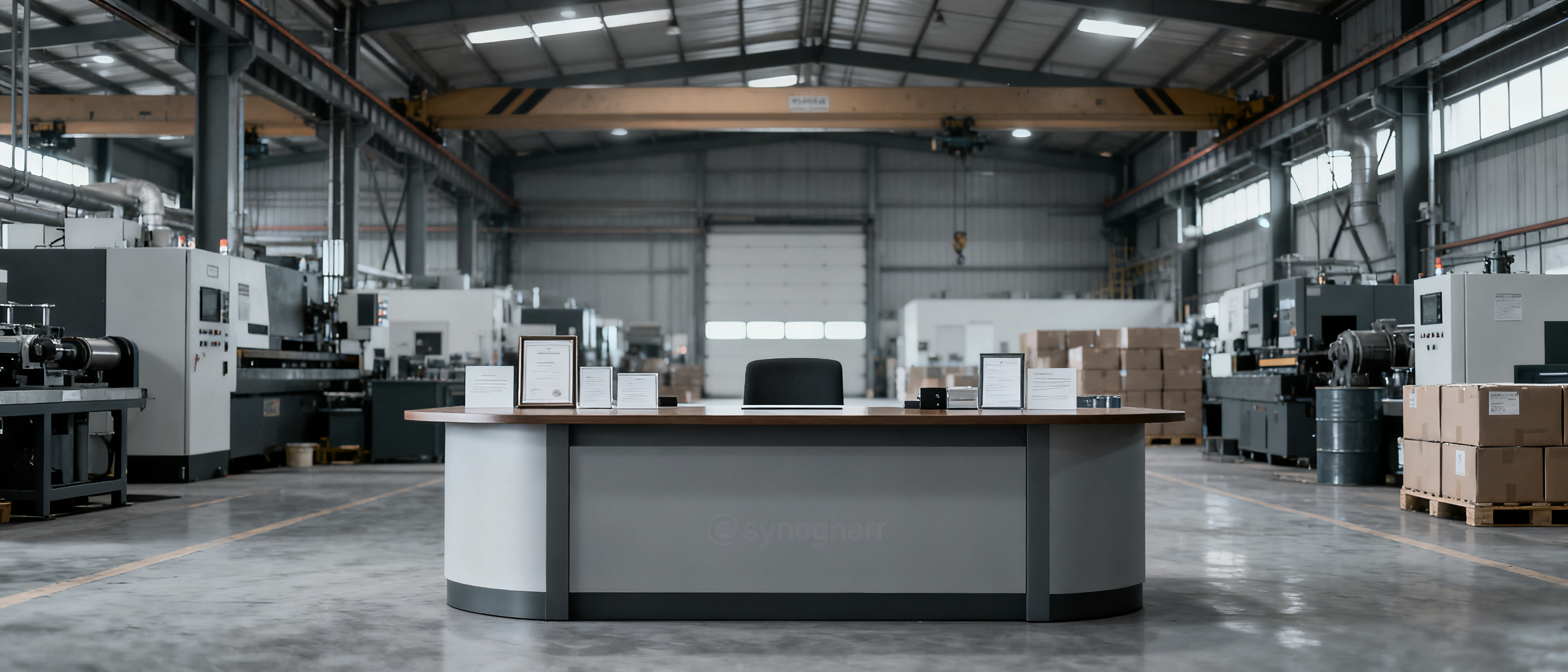
Deciding between a website builder vs a cms stops more factory websites than any technical problem ever will. Export managers and small manufacturers open two browser tabs—one for a hosted builder, one for a self-hosted CMS—and then stare at both. The blank page isn't a design problem. It's a decision problem. And the longer it sits unresolved, the longer your overseas buyers land on a placeholder domain or a ten-year-old Alibaba storefront with no official home.
The Blank Page Dilemma: Why Factory Websites Stall
Most small manufacturers don't lack content. They have product catalogs, certifications, factory photos, and a rough idea of what they want to say. What they lack is a clear starting point that doesn't demand a dozen micro-decisions before anything goes live. The website builder vs cms question amplifies this because each path asks fundamentally different questions of the person in charge.
A website builder asks: "What layout do you want? Which image goes here? What color is the header?" A CMS asks: "Which hosting provider? Which theme? Which plugins for SEO, caching, and forms? Who's keeping all of this updated?" Neither question is wrong, but for an export desk that needs an English frontage to exist by next week, both represent a blank canvas with no guardrails.
This paralysis has real cost. A 2023 survey by the China Council for the Promotion of International Trade found that over 60% of surveyed SMEs cited "lack of dedicated digital personnel" as the primary barrier to maintaining an overseas web presence. The blank page isn't laziness—it's the rational response to being handed a tool built for generalists when you need a tool built for your outcome.
What a Website Builder Actually Gives You (and What It Doesn't)
Modern website builders—Squarespace, Wix, Shopify for commerce—solve one thing exceptionally well: they collapse the distance between idea and published page. You drag components onto a canvas, type text into pre-sized boxes, and hit publish. For a small manufacturer, this sounds ideal. In practice, the promise frays at the edges.
Here's what you actually get:
- A visual editor with structured templates. You start from a design, not a blank file. This is the single biggest advantage over a raw CMS install.
- Hosting, SSL, and updates bundled. No separate hosting bill, no certificate renewal calendar, no "your WordPress version is outdated" emails.
- A predictable monthly or annual fee. Typically $15–$40/month for a business-tier plan with a custom domain, though some climb higher with add-ons.
- Mobile-responsive output by default. You don't need to test across devices; the builder handles breakpoints.
What you don't get is equally important. Builders are layout-first, not knowledge-first. You still have to decide what goes where, write every sentence, resize every image, and manually ensure consistency across pages. The builder provides the canvas and the brushes; you're still the painter. For a factory owner who knows their product lines cold but has never written a company profile in English, the builder solves the technical hurdle while leaving the content hurdle untouched.
There's also a less-discussed ceiling: most builders lock your content into their proprietary format. Exporting a full site to move elsewhere is painful, and the SEO structure—while adequate—rarely matches what a focused B2B presence needs for industrial buyer search terms.
What a CMS Offers (and Why It's Often Overkill for Small Manufacturers)
When people say "CMS" in the context of a manufacturer website, they usually mean WordPress—sometimes Drupal or Joomla, but overwhelmingly WordPress, which powers over 43% of all websites according to W3Techs. The CMS pitch is seductive: full control, unlimited customization, thousands of plugins, and no platform lock-in.
The reality for a small manufacturer looks different. A CMS gives you:
- Complete ownership of your data and files. Everything sits on hosting you control. You can migrate, back up, or modify without asking a platform's permission.
- An ecosystem of plugins for SEO, forms, analytics, multilingual content, and more. Yoast SEO, WPML, and contact form builders are genuinely useful.
- No arbitrary feature ceilings. Need a custom product filter? A CMS lets you build it. A builder might not.
But the cost structure is deceptive. The CMS software itself is often free, but the total cost of ownership includes hosting ($5–$50/month, with performance-tier managed hosting for WordPress running $25+), a premium theme ($0–$79 one-time), plugin licenses ($0–$200+/year), and—critically—someone's time. Every plugin update, every PHP version bump, every security patch is a task that lands on a human being. For a manufacturer without a website team, that human is often the export manager who already handles RFQs, logistics, and customer visits.
Google's helpful content guidelines emphasize that sites should demonstrate first-hand expertise and be maintained with care. A CMS site with an outdated copyright year, broken contact forms, or a neglected blog signals the opposite. The CMS gives you the keys to the kingdom, but it also gives you the maintenance schedule. For a small manufacturer shipping containers, not code, that schedule rarely gets kept.
| Factor | Website Builder | Self-Hosted CMS |
|---|---|---|
| Time to first publish | 1–5 days (if content is ready) | 3–14 days (hosting, theme, plugin setup) |
| Ongoing maintenance | Handled by platform | Requires manual updates |
| Content portability | Limited; often proprietary | Full; exportable database |
| Annual cost (typical) | $180–$480 | $120–$600+ (hosting + plugins + time) |
| Best suited for | Small manufacturers needing a live presence fast | Manufacturers with dedicated web staff or complex needs |
A Third Way: Managed Frontage That Skips the Blank Page
There's a growing category between the two poles that deserves attention, especially for export-oriented manufacturers. It doesn't ask you to build anything. Instead, you supply the facts about your business—company background, product categories, certifications, key contact details—and the platform assembles a structured, SEO-ready English frontage from that information. The blank page never appears because you were never handed a canvas.
This approach treats your manufacturer data as the source of truth. You maintain a knowledge base: here's what we make, here's who we are, here's what we can prove. The platform handles layout, performance, mobile rendering, and the connective tissue that turns a list of facts into a coherent website. When something changes—a new certification, a new product line—you update the fact, and the site reflects it. You don't rearrange divs.
For a small manufacturer, the practical difference is stark. The website builder vs cms debate assumes you're willing to operate software. A managed frontage assumes you'd rather operate your business and have the software follow. According to web.dev's Core Web Vitals guidance, sites that load quickly and render stably retain visitors better—and a managed approach that optimizes these factors automatically removes another layer of decision-making from the manufacturer's plate.
This isn't the right fit for a manufacturer who needs a custom product configurator, multilingual CMS workflows, or deep e-commerce integration. There are real limits. But for the export desk that needs an own-domain English presence to complement marketplace listings, and needs it without hiring a web person, the third way eliminates the blank page entirely. You answer questions about your factory; you don't answer questions about your layout.
FAQ
Why do manufacturers get stuck choosing between a website builder and a CMS?
The paralysis usually comes from two competing fears: fear of over-committing (a CMS feels like a long-term technical relationship) and fear of under-building (a website builder feels like it might not be "serious" enough for B2B buyers). Both fears are valid, but they distort the real question. The better question is: what's the minimum viable presence that lets a buyer trust you within 10 seconds of landing on your domain? That answer often points to a simpler solution than either extreme.
Can a website builder handle a B2B manufacturer's product catalog properly?
Yes, for small to medium catalogs—roughly under 200 SKUs with clear categories. Most builders can display product grids, individual product pages with images and specifications, and basic search. Where they strain is when you need faceted filtering by industrial parameters (material grade, tolerance, certification type), or when you need to sync product data with an ERP. For a manufacturer with 50–100 core products and no back-end integration needs, a builder handles the catalog fine.
What's the biggest hidden cost of using a CMS for a factory website?
Time spent on maintenance, not money spent on software. Plugins need updating every few weeks. PHP versions reach end-of-life and require migration. Contact forms break silently when a plugin conflicts. If you don't have someone who treats this as part of their regular workload, the site degrades. The second hidden cost is content atrophy: a CMS makes it easy to start a blog, but the average small manufacturer blog has three posts from 2019 and nothing since. That looks worse to a buyer than no blog at all.
Do overseas buyers actually care whether a manufacturer uses a builder or a CMS?
No. They care about load speed, clear product information, verifiable certifications, and a legitimate contact path. They don't inspect the source code to determine the platform. A fast, well-structured site built on a simple builder will outperform a slow, cluttered CMS site every time in a buyer's 10-second scan. The platform choice is an internal operational decision, not a buyer-facing signal.
How do I know if I'm overthinking the platform decision?
If you've been comparing options for more than two weeks without publishing anything, you're overthinking it. A useful rule of thumb: if your annual revenue is under $5 million and you don't employ a dedicated digital marketer, the platform that gets you live fastest with accurate information is the right one. You can always evolve later. A live, accurate, simple site beats a perfect, unfinished one every time.
References & Further Reading
- Web Vitals — web.dev — Google's guidance on Core Web Vitals and how page experience affects user retention.
- Creating Helpful Content — Google Search Central — Guidelines for building sites that demonstrate expertise and serve users first.
- WordPress Usage Statistics — W3Techs — Market share data and technology adoption trends for CMS platforms.
- B2B Frontage Blog — Related articles on manufacturer website strategy, buyer trust signals, and export presence.